First meeting entry · instant button vs already scheduled
Design-lab exploration on PR #1171 · plus the new Mic and Wand2 agenda icons
How should a brand-new user start their first meeting with Cedar? This page compares two entry points, built as a live design-lab exploration on the instant-meeting branch (PR #1171). Flip between them locally with the variant bar on the dashboard, or via the Design Lab index.
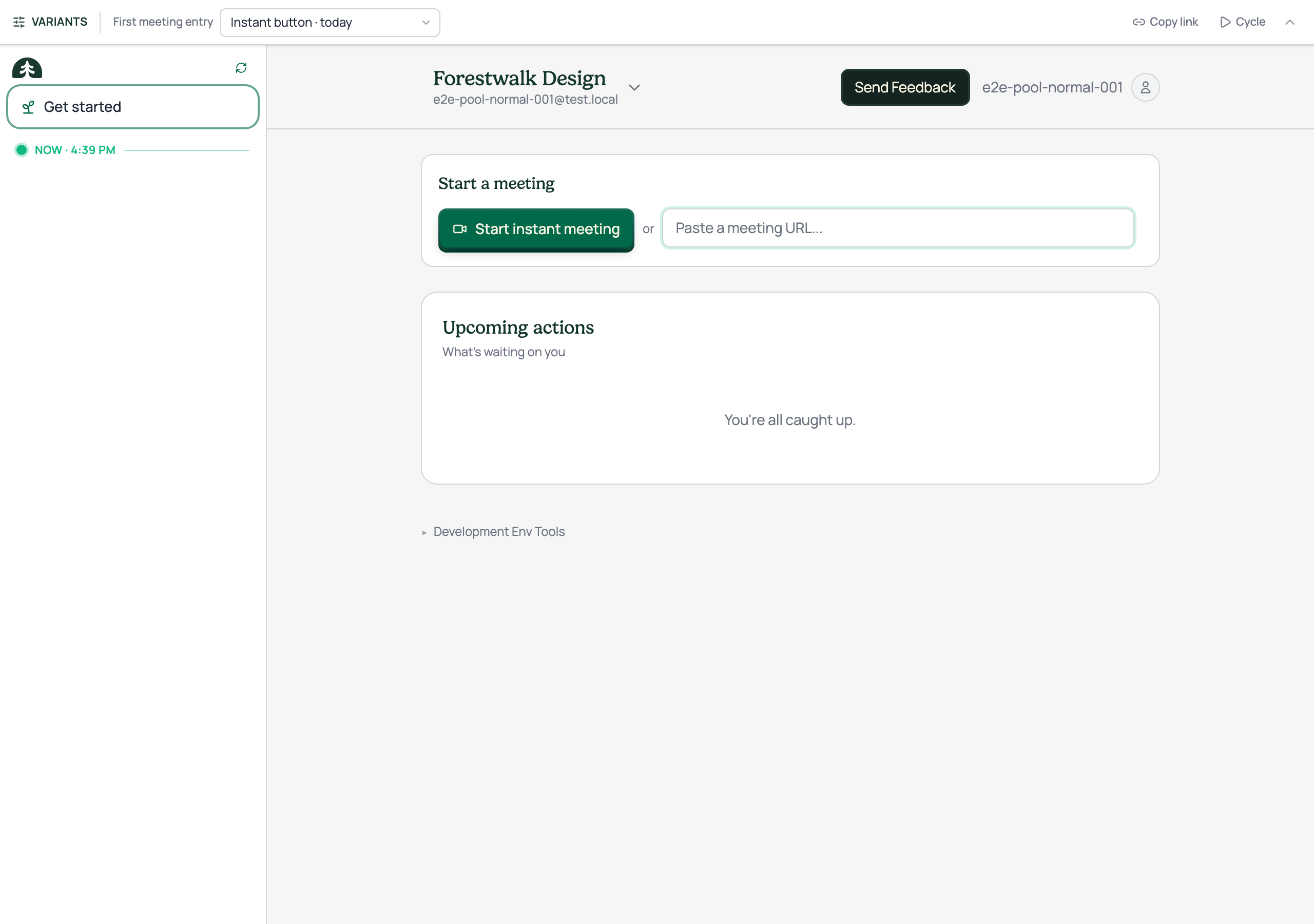
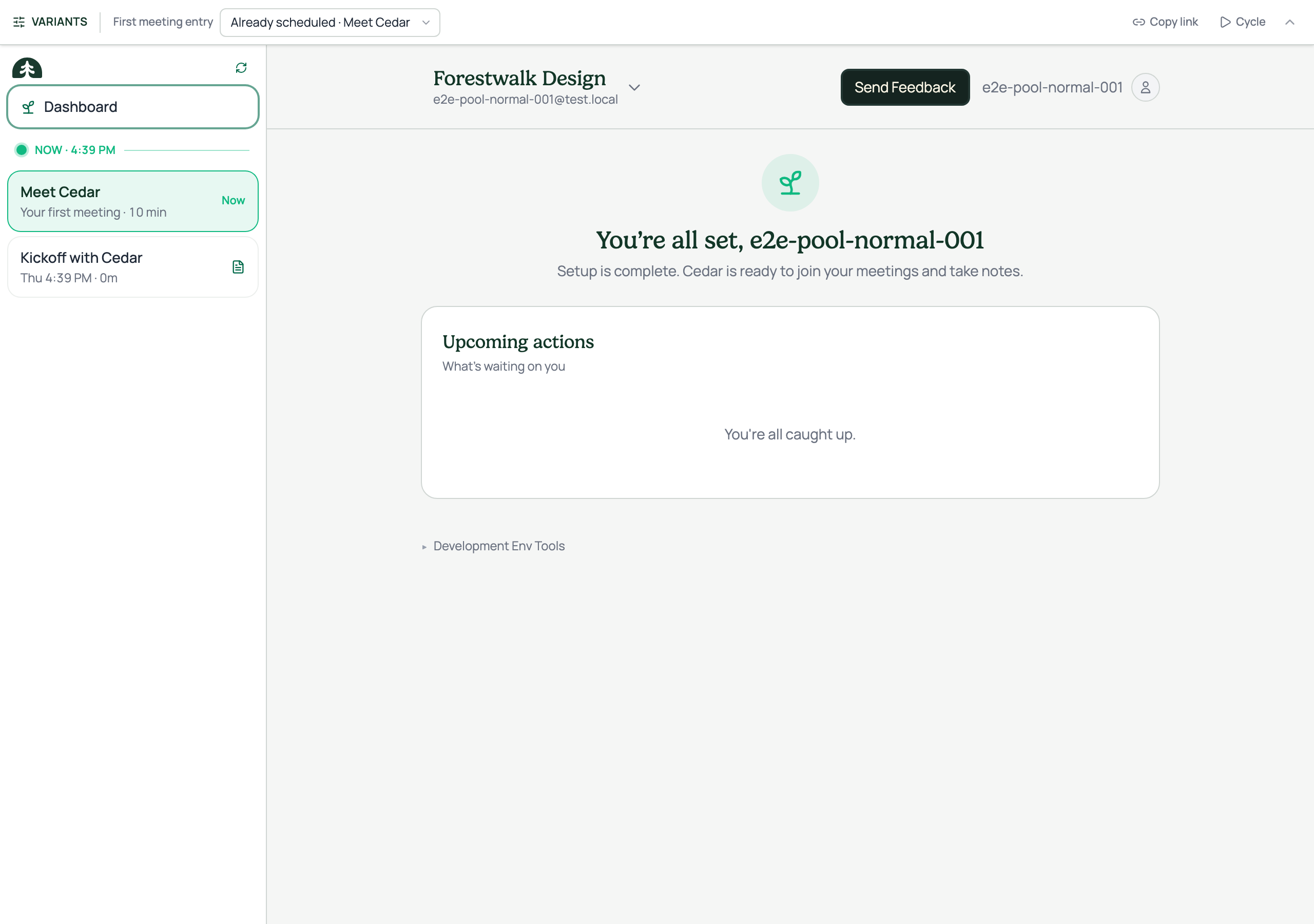
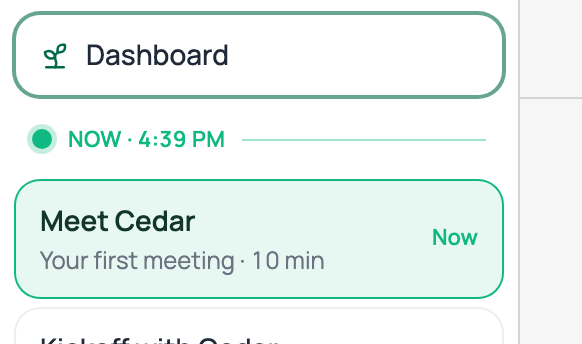
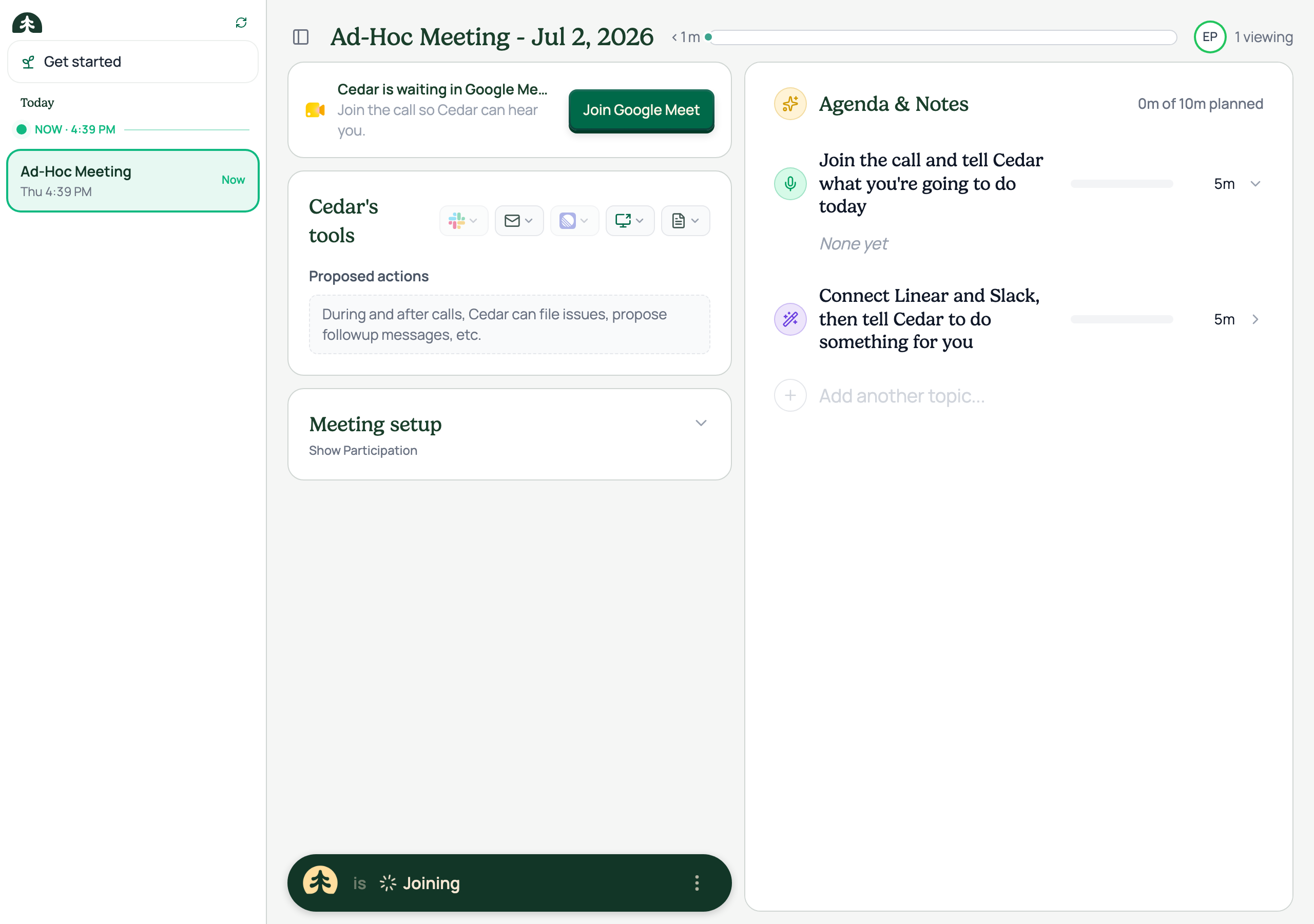
Option A is today's flow: a "Start instant meeting" button in the main column. Option B seeds the calendar instead: a "Meet Cedar · Your first meeting · 10 min" card sits live at the NOW divider the moment the user lands, and the start-a-meeting section disappears, the meeting is simply already there. Clicking it drops straight into the get-started meeting. The idea comes from the June first-run spec's pre-seeding thesis: users who arrive to existing content stick around.
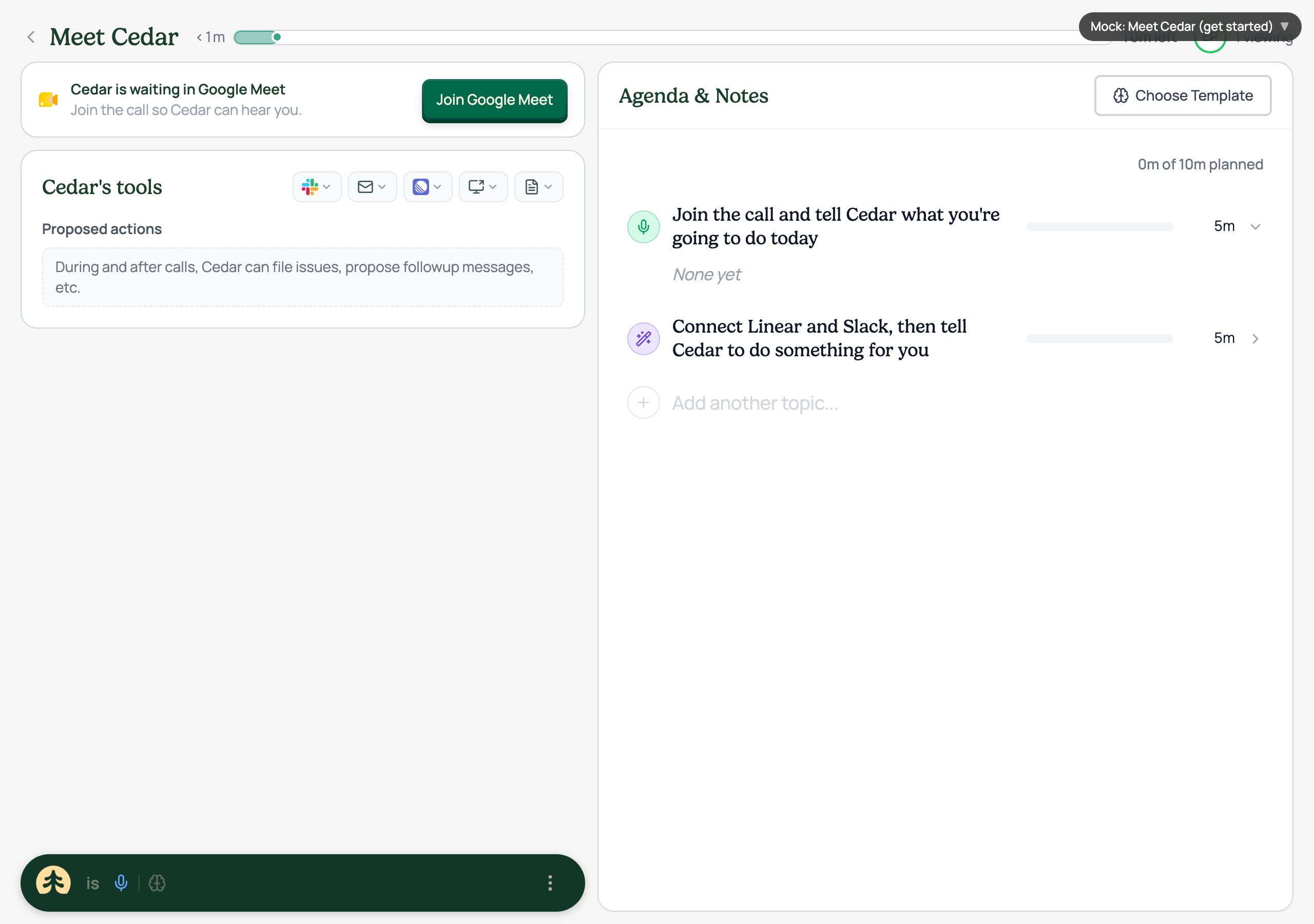
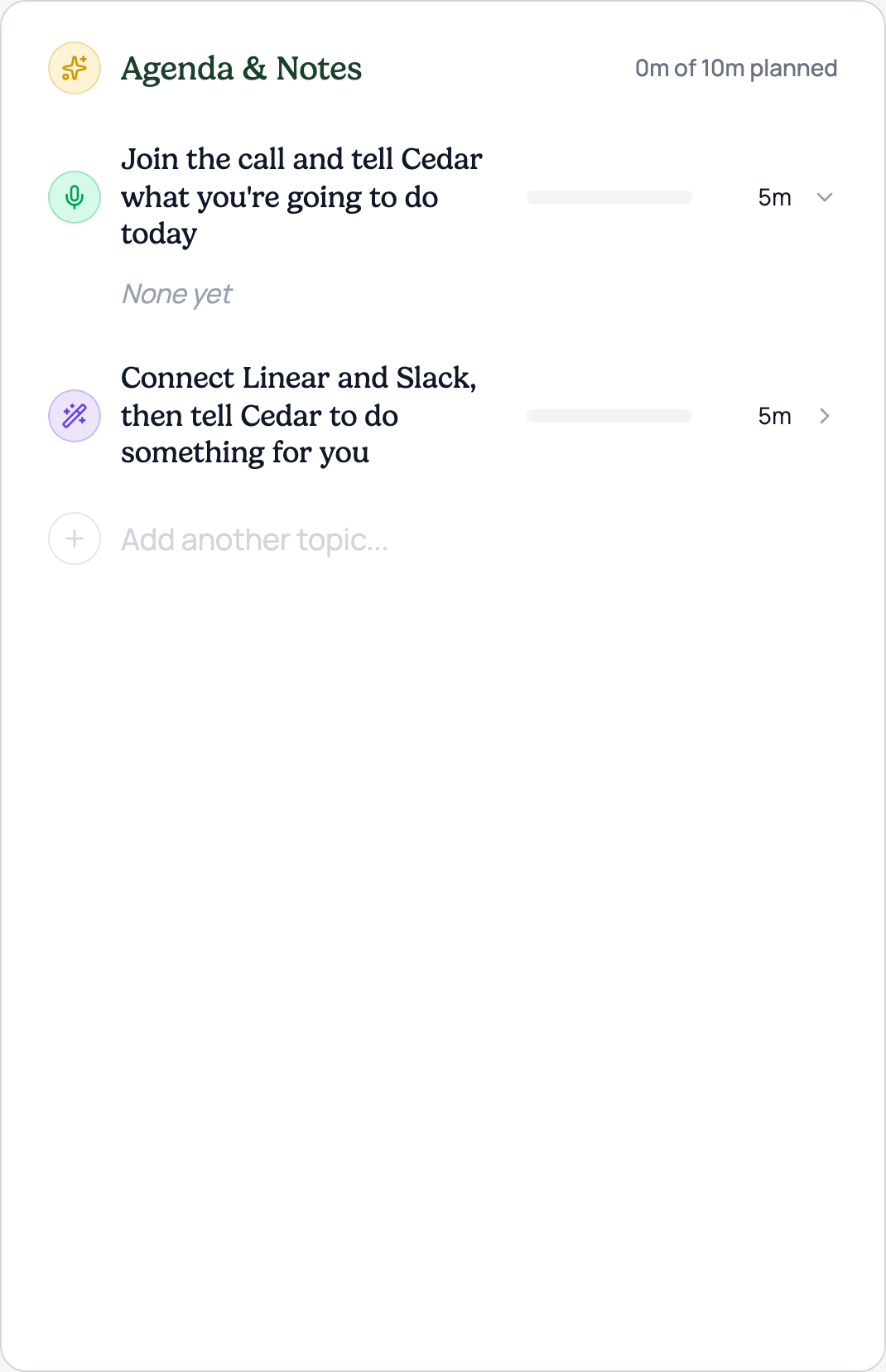
Both options end in the same two-step get-started agenda, now with story icons seeded through the real pipeline: a green Mic for "join and talk to Cedar", a purple Wand2 for "connect your tools and let Cedar do something for you". The icons ship with PR #1171; the seeded-meeting entry is dev-only until the team picks a direction.
States